Modifications (Mods)
Here you can see the C90S modifications made by me on 9 (nine) C90S laptops. All systems are in perfect condition. Seven of nine are mine and they are working 24 hours per day, 365.2425 days per year at environment (ambient) temperatures between 12 ºC ~ 40 ºC without any cooling pads, AC or additional air flows except this produced from C90S fans.
The rest two systems are in excellent condition, according to their happy owners. The Eight of Nine was equipped with ATI Mobility Radeon HD 3650/512MB/DDR2 and “ASME Easy” revision 4.0 while the Nine of Nine with ATI Mobility Radeon HD 4650/1GB/DDR3 and “ASME” revision 4.0.
Video Heatsink “ASME” revision 1.0 with ATI Mobility 3650 512MB DDR2
Note #1: The real CPU temperatures are with 15 ºC higher (Pic. #2)! After the CPU upgrade the HWmonitor doesn’t sets the proper CPU’s TJMax and used the old one from X6800 that was 85 ºC. The fix is manually to set the proper TJMax at 100 ºC for Wolfdales CPUs in the HWmonitor’s configuration file “hwmonitorw.ini” (CPU_0_TJMAX=100.0).
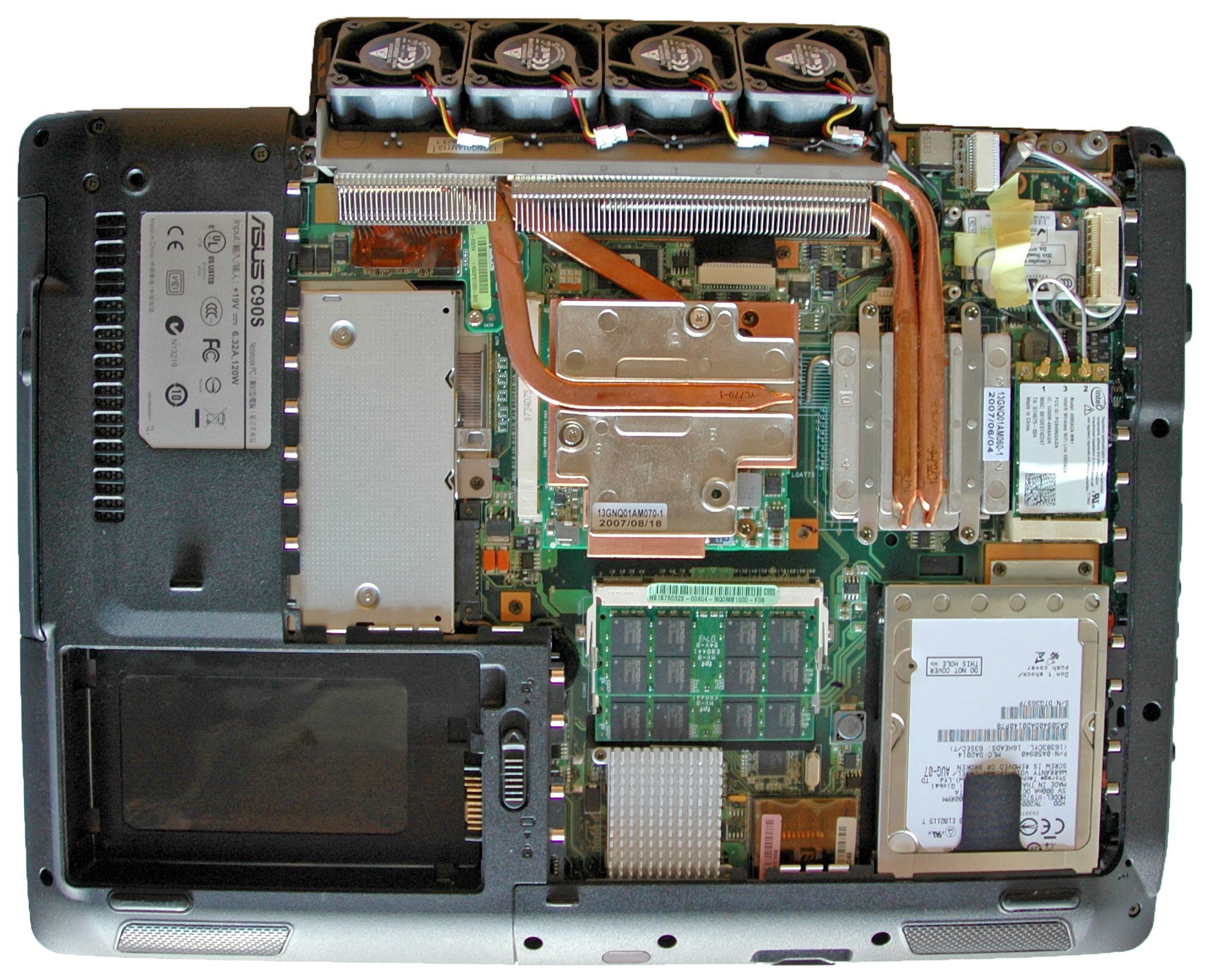
Note #2: The HDD temp is 47 ºC because here is not implemented the “double diffuser” mod.Here you are a C90S’s pictures with applied 5 Base mods - Video Heatsink, North & South Bridge, CPU E7500 & BIOS 1002A and GPU & CPU information. These 5 mods set I’ll call “Base Mod”. The temperatures on the second picture are after running stress tests "Prime95 25.11" (CPU) and "ATITool 0.27 Beta 4" (GPU) for 72 hours each and an ambient temperature of 25 ºC.
Pic. #1: Video Heatsink “ASME” 1.0
Pic. #2: Temperatures (“ASME” rev. 1.0)
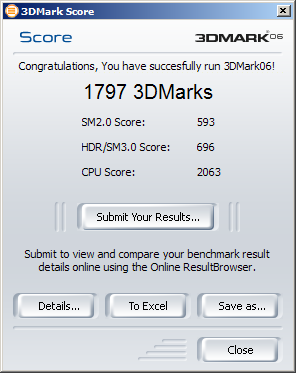
Pic. #3: GPU & CPU info and 3D Performance (“ASME” rev. 1.0)
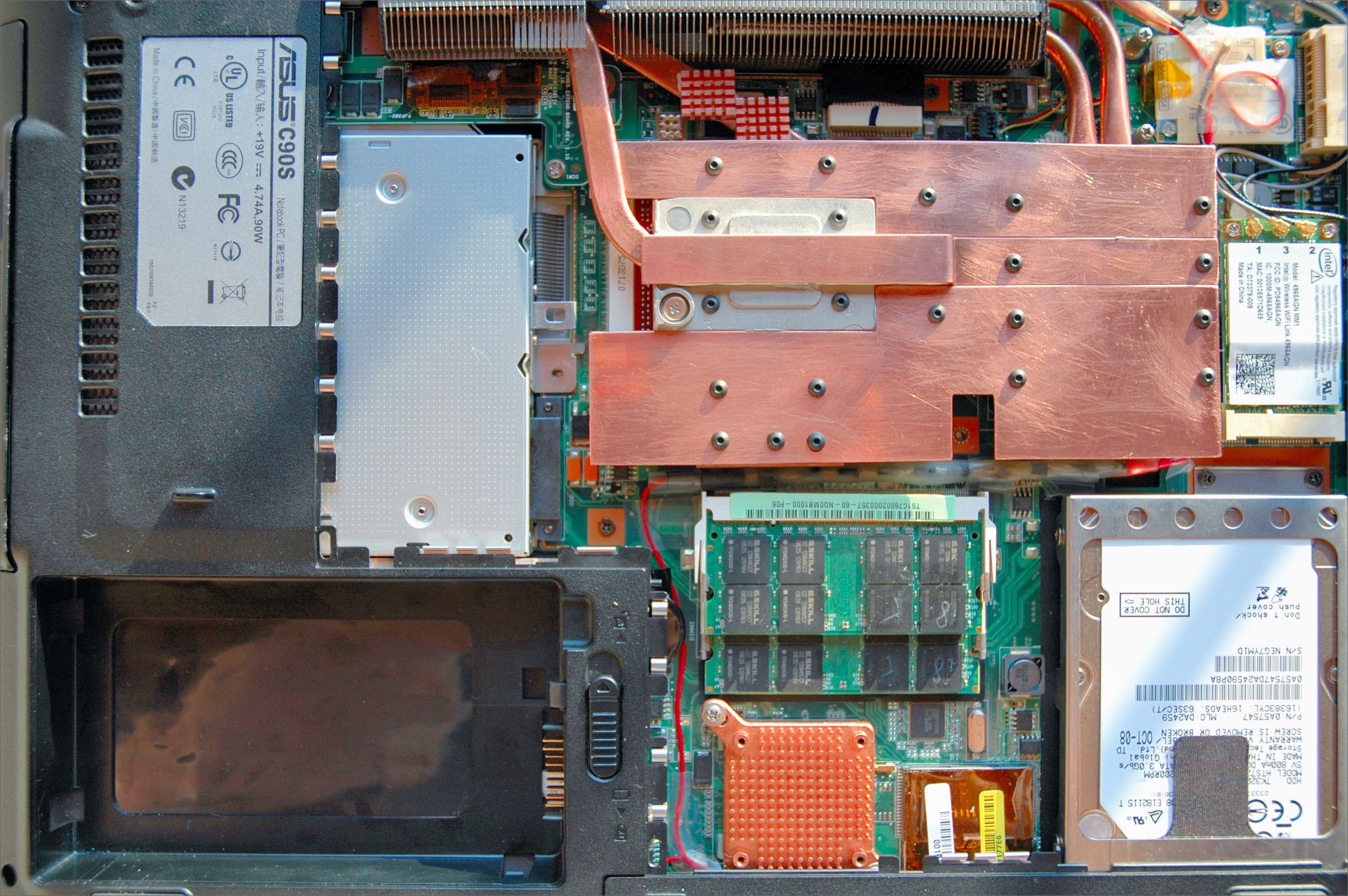


Video Heatsink “ASME” revision 4.0 with ATI Mobility 3650 / 512MB / DDR2
Note: With a CPU E6600 and the “double diffuser” mod, Room Temperature ~ 25 ºC.
Pic. #4: Video Heatsink “ASME” 4.0
Pic. #5: Temperatures (“ASME” rev. 4.0)
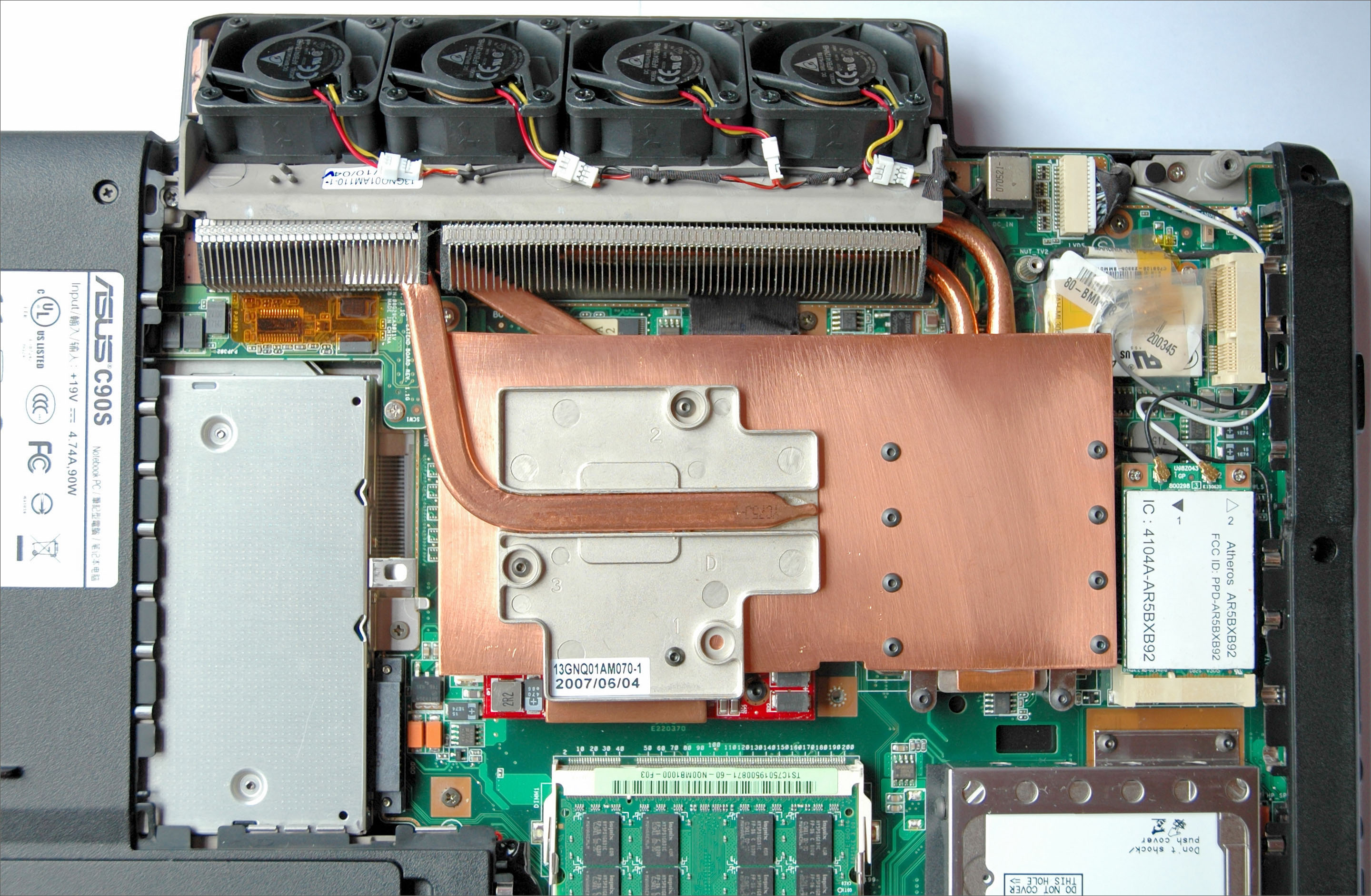

Video Heatsink “ASME” revision 4.0 with ATI Mobility 3470 / 256MB / DDR2
Note: With a CPU E7500 and the “double diffuser” mod, Room Temperature ~ 30 ºC.
Pic. #6: Video Heatsink “ASME” 4.0 on ATI 3470
Pic. #7: Temperatures (“ASME” rev. 4.0) on ATI 3470 Under Normal LoadThe interesting thing on pic. #8 are the temperatures when the system is in Idle Mode.
It is very impotrant to me the balance between the fans noise and the temps in this performance mode.
The used thermal compound is IC Diamond.
Pic. #8: Temperatures (“ASME” rev. 4.0) on ATI 3470 in Idle Mode
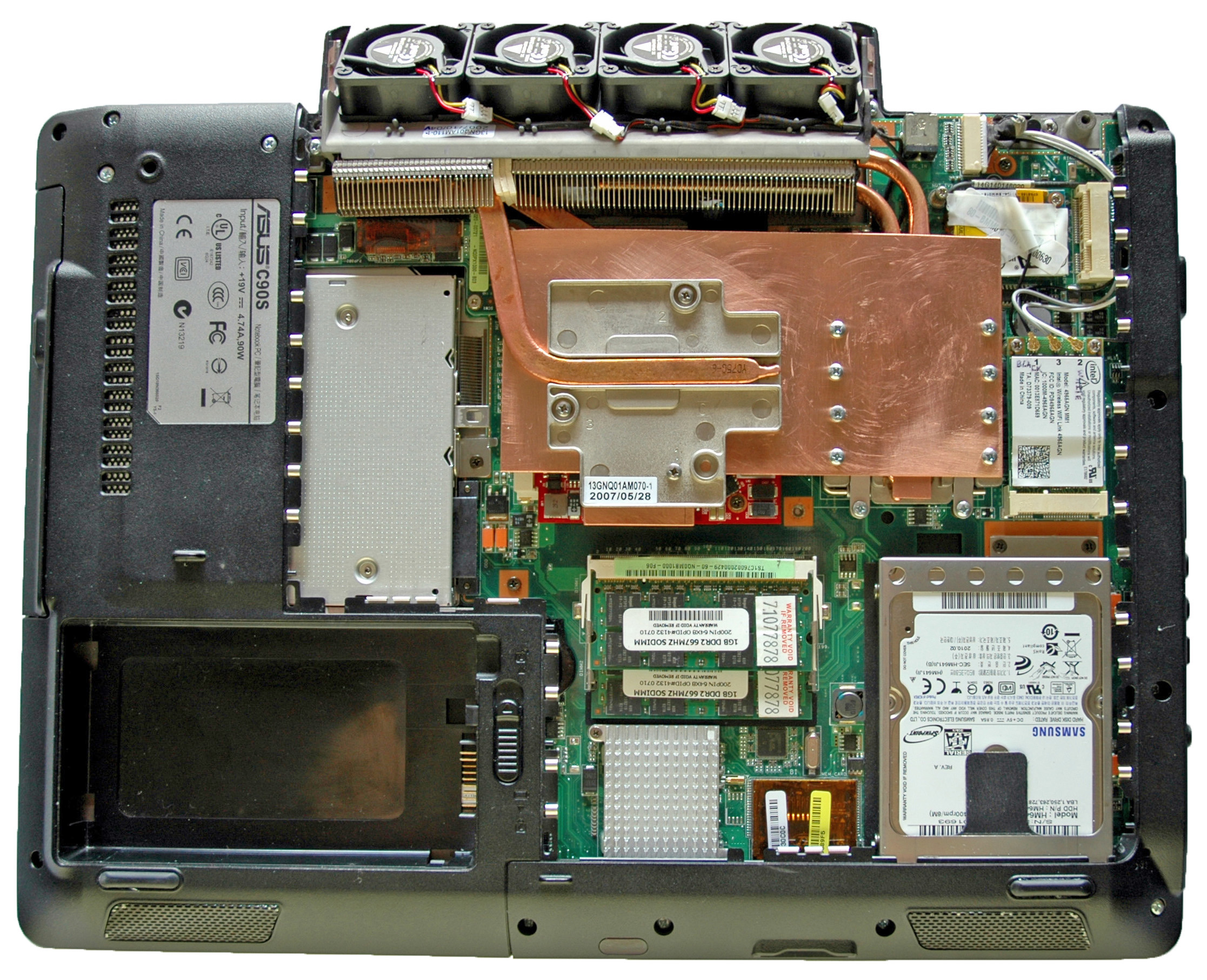


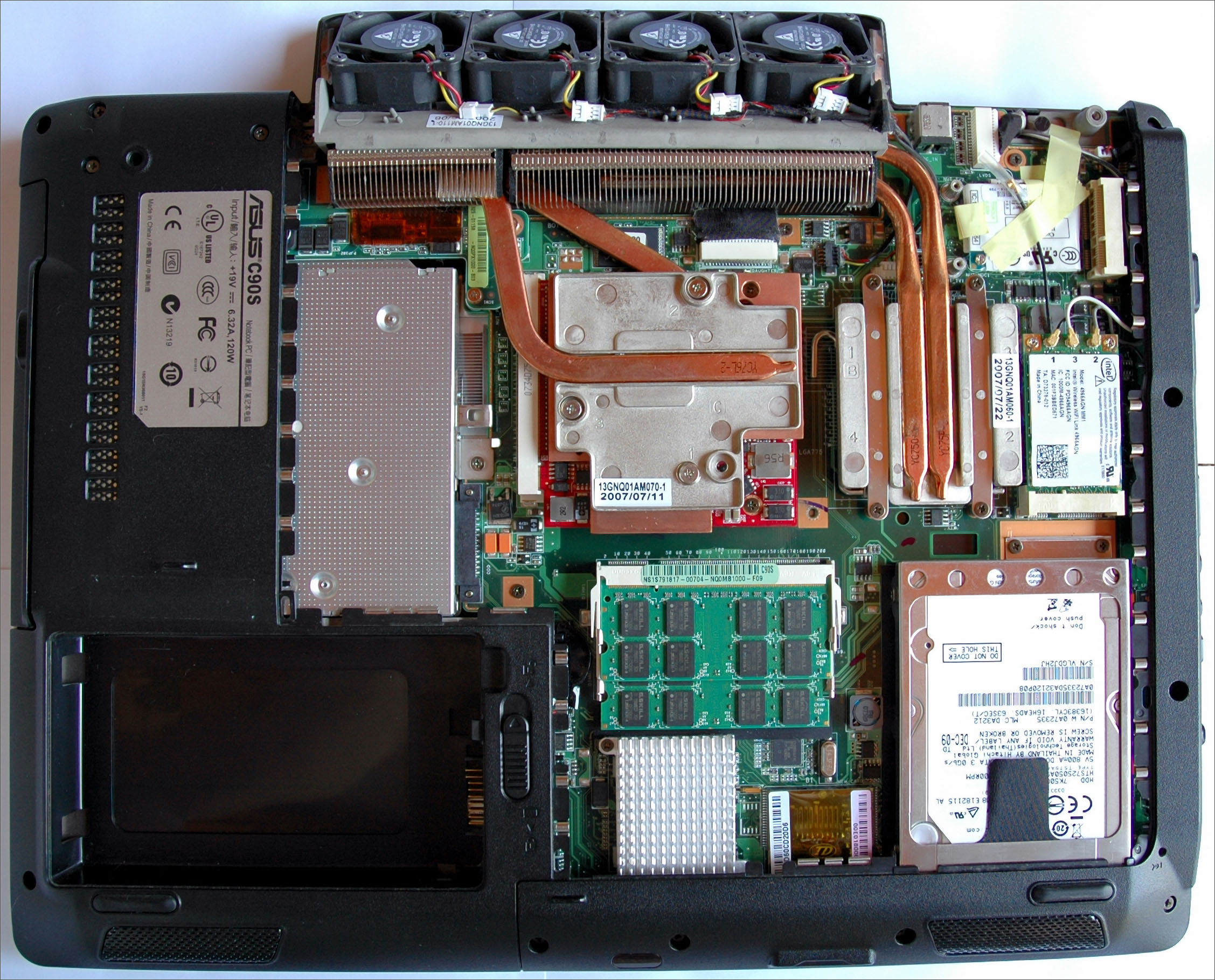
Video Heatsink “ASME Easy” revision 4.0 with ATI Mobility 3470 / 256MB / DDR2
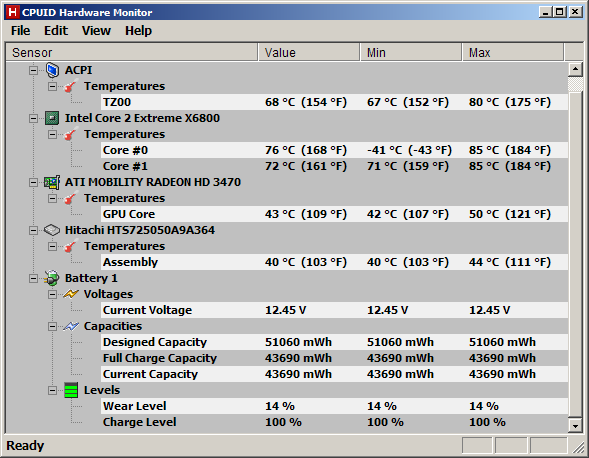
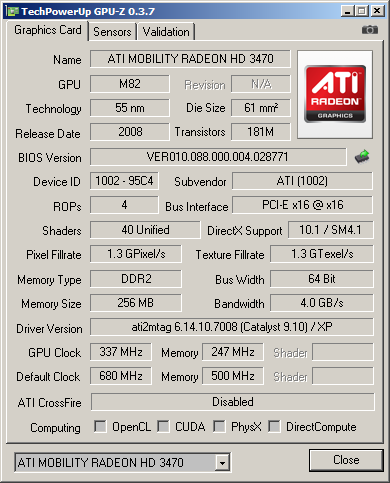
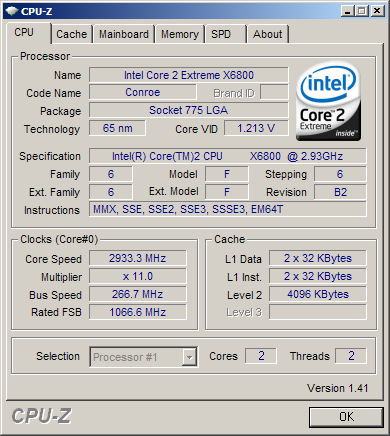
Note: With a CPU X6800, ATI Mobility HD3470 and the “double diffuser” mod, Room Temperature ~ 25 ºC.
Pic. #9: Video Heatsink “ASME Easy” 4.0 on ATI 3470
Pic. #10: Temperatures (“ASME Easy” rev. 4.0) on ATI 3470
Pic. #11: The GPU
Pic. #12: The CPU
Pic. #13: 3D Performance
(“ASME Easy” rev. 4.0)
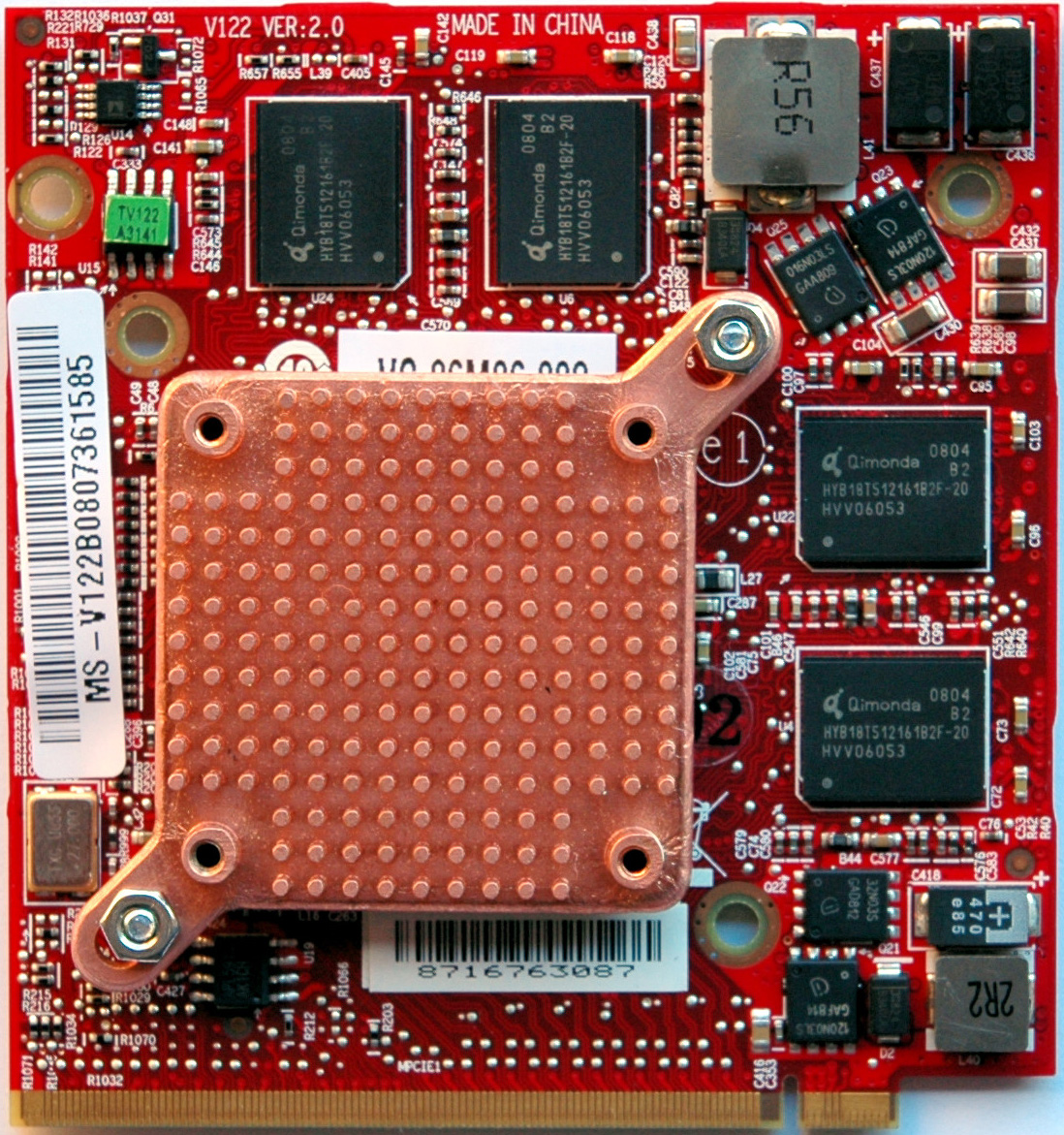
Video Heatsink “ASME Easy” revision 4.0 with NVidia 9600 GT / 512MB / DDR3
Note: With a CPU E6600 and the “double diffuser” mod, Room Temperature ~ 25 ºC.
Pic. #14: Video Heatsink “ASME Easy” 4.0
Pic. #15: Temperatures (“ASME Easy” rev. 4.0)
Video Heatsink “Speed Mounting”
Note: Just for fast video card check!
Pic. #16: Video Heatsink “Speed Mounting”When you have a new VGA you want to test it. ..
!!! Warning !!!
Be careful when you are attaching the heatsink! Do not use for more than 2 minutes! It’s only for a test to see POST messages or something on the screen!
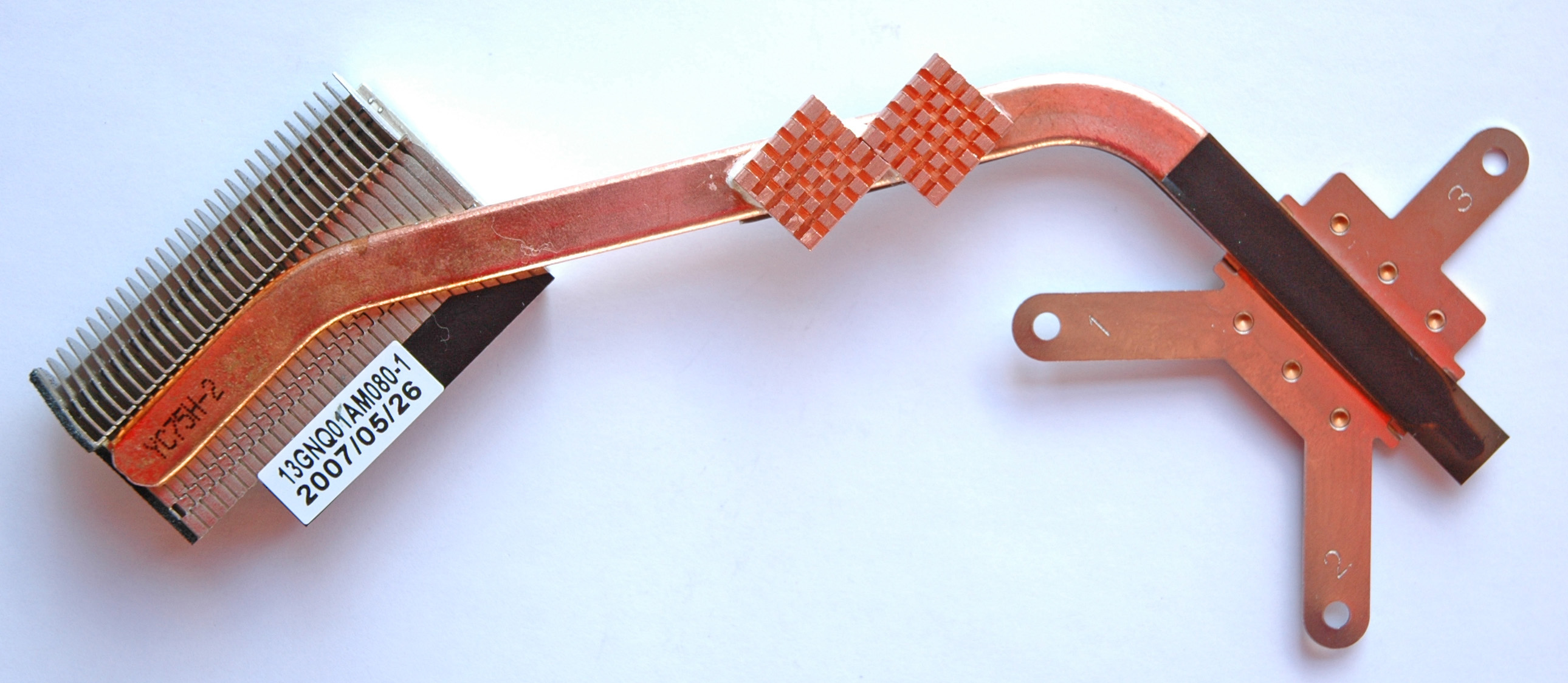
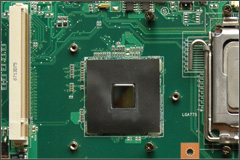
North Bridge Heatsink
Note: The North Bridge is a serious source of heat!
Pic. #17: North Bridge Heatsink
Pic. #18: The North Bridge
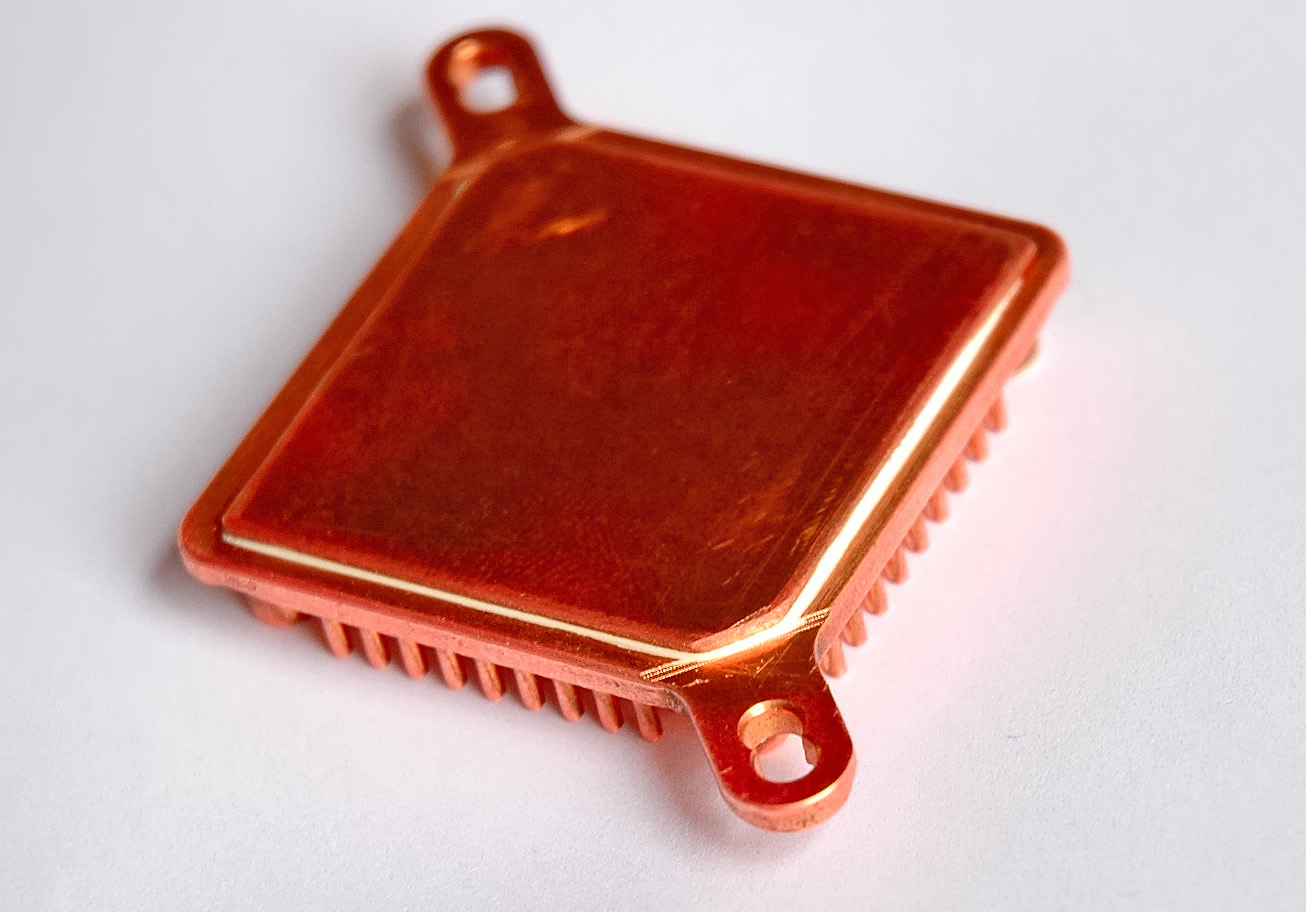
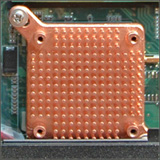
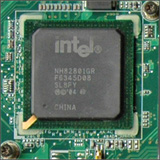
South Bridge Heatsink
Note: The South Bridge is a serious source of heat!
Pic. #19: South Bridge Heatsink
Pic. #20: Mounted Heatsink
Pic. #21: The South Bridge
Fans
Note: There is software application for the fans control and their policy!
There are two things that are imperative and they must be done as a minimum on any C90S system.
1) Fill in the gaps between the fans themselves and fan’s frame assy.
2) Replace fan’s mesh with better one (more air).It sounds simple and it's simple and effective.
The Double Diffuser & Airflows
Note: The most important part for the proper cooling!
Pic. #22: CPU Assy Inside
Pic. #23: Moded CPU Assy Back
Pic. #24: CPU Assy Back - HDD close view
Intel E7500
Note: With a CPU E7500 and the “double diffuser” mod, Room Temperature ~ 30 ºC.
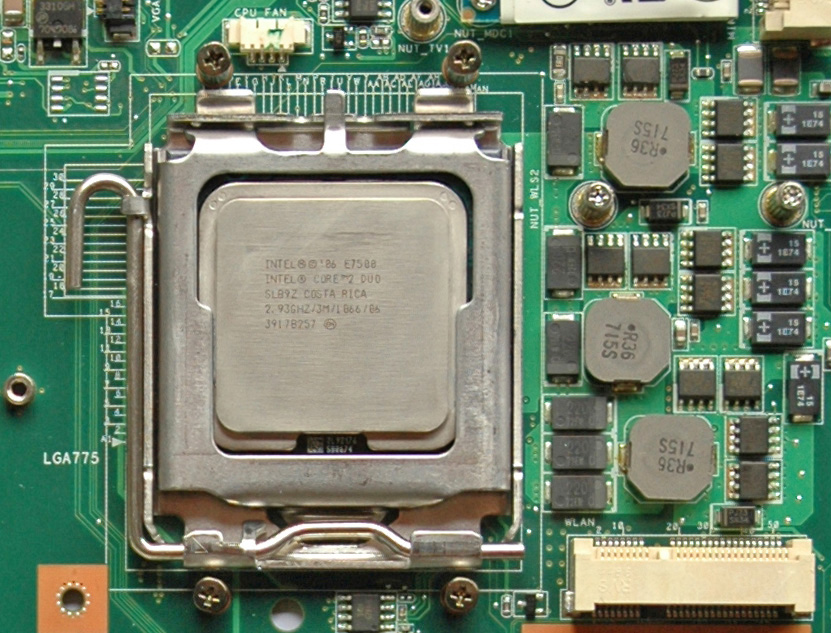
Pic. #25: Intel E7500 (Wolfdale)At the moment there are 3 different versions of the
E7500 Wolfdale with a real TDP ~ 100 Watts.Two of them support “Virtualization Technology” namely the revision SLGTE (Core Stepping R0/SLGTE).
The right choice is the SLGTE.
Intel E6500
Note: With a CPU E6500 and the “double diffuser” mod, Room Temperature ~ 30 ºC.
The Big Bad Wolf Disguised as Intel Pentium Dual-Core E6500
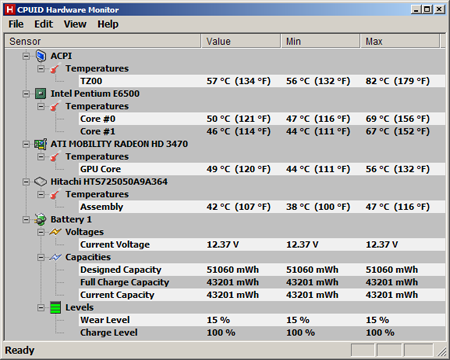
The difference between E6500 and E7500 is in 2 MB L2 cache for E6500 against the 3 MB L2 cache for E7500. The performance of E7500 is ~ 24% higher for the cache sensitive applications. For the rest E6500 is a little bit faster than E7500. Here is the picture with the temperatures after Stress tests followed by 12 hours Idle mode at 25 ºC room temperature
Pic. #26: Intel E6500 (Wolfdale) Temperatures
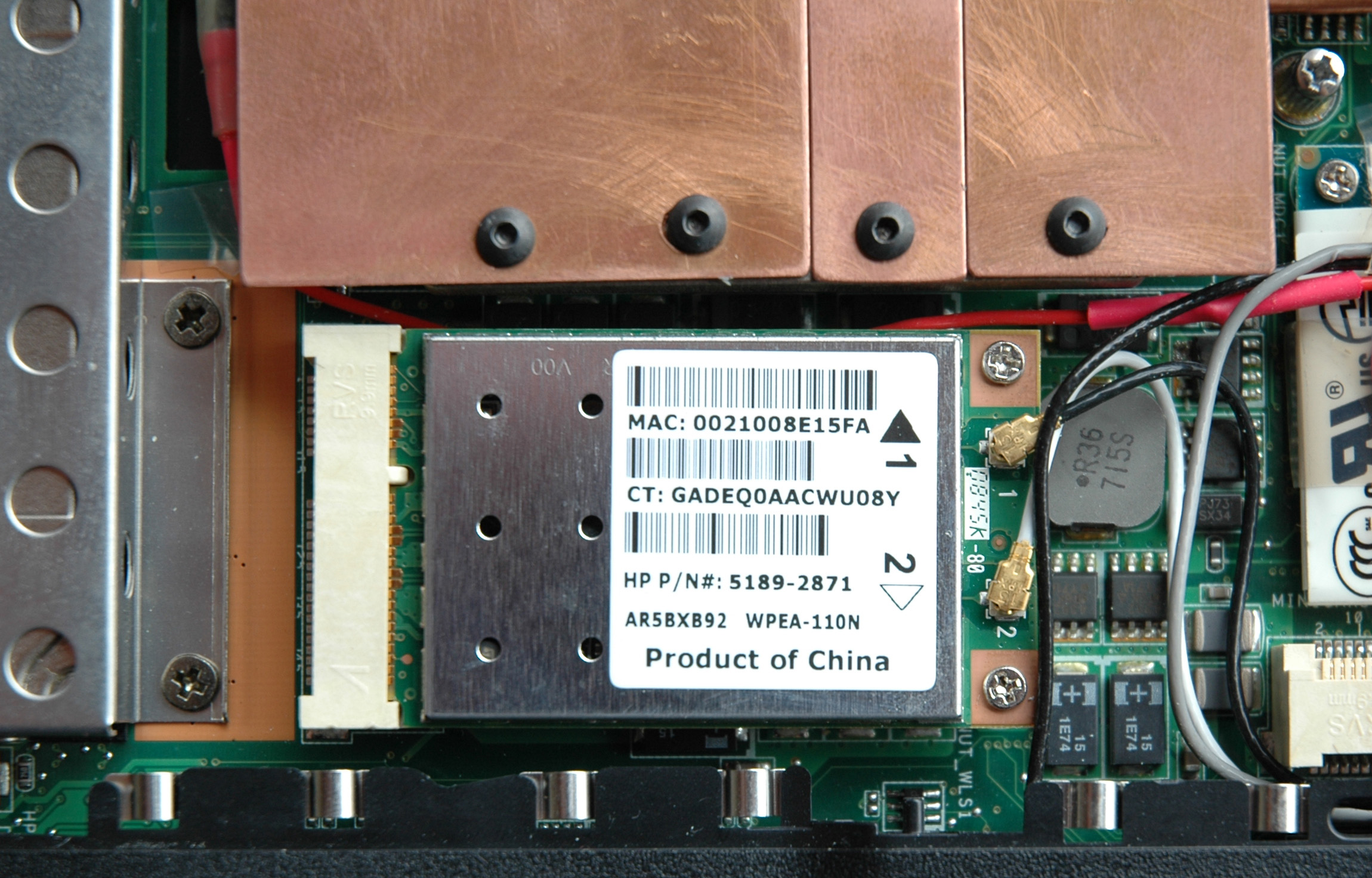
WiFi Atheros AR9280 / 300 Mbps
Note: You should take the fastest WiFi card with Mini PCIe interface on the market. For me that was AR9280. There are cards at 450 Mbps.
Pic. #27: WiFi Atheros AR9280If you want to have a reliable wireless connection in any mode then Atheros AR9280 (802.11n/a/b/g 300 Mbps, 2Tx2R MIMO) is the choice.
This is the best 300 Mbps WiFi card for me.
The reliable WiFi communication is something that depends on things as:
- clarity of the frequency environment
- the signal strength
- communication standards and protocols
- devices and their configuration
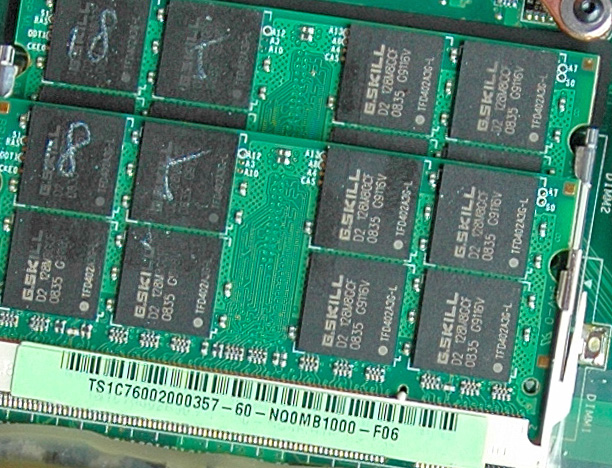
RAM G.SKILL 4GB
Note: Our chipset unfortunately doesn't supports timings 4-4-4!
Pic. #28: RAM G.SKILL 4GBOne of the most importing things is the RAM. When we have dual channel architecture as in C90S it's essential to have two identical DIMMs.
The kit with two 200-Pin DDR2 SO-DIMMs at 800MHz (PC2 6400) and timing 5-5-5-15 is the choice.
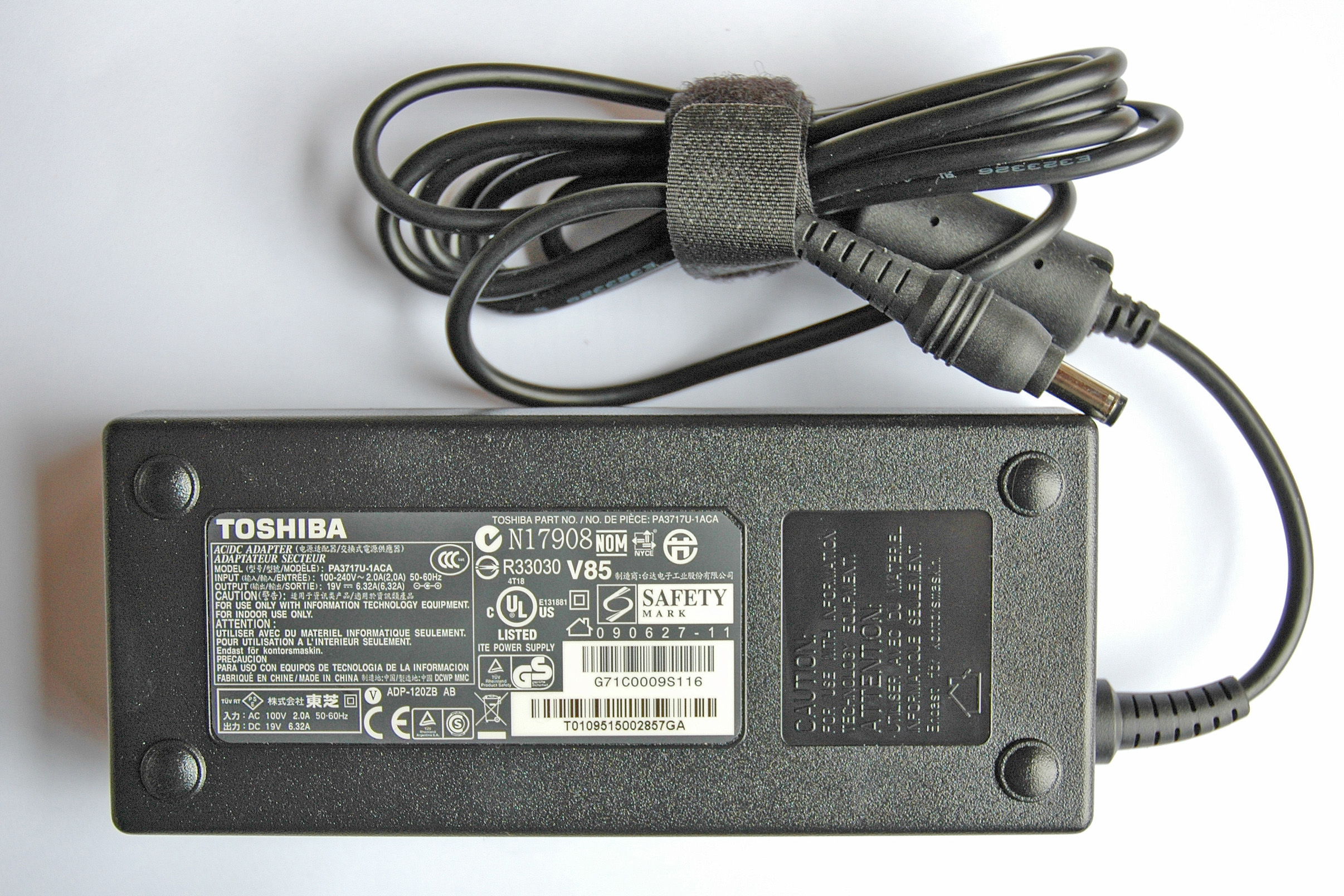
PSU / Power Supply Unit
Note: It will be good if you are using a 120W PSU!
The PSU is one of the most important parts from our equipment and “Toshiba 120-Watt Global AC Adapter PA3717U-1ACA” is the best one for C90S. There isn’t a problem with the professional audio equipment. It runs cool and has long cables.
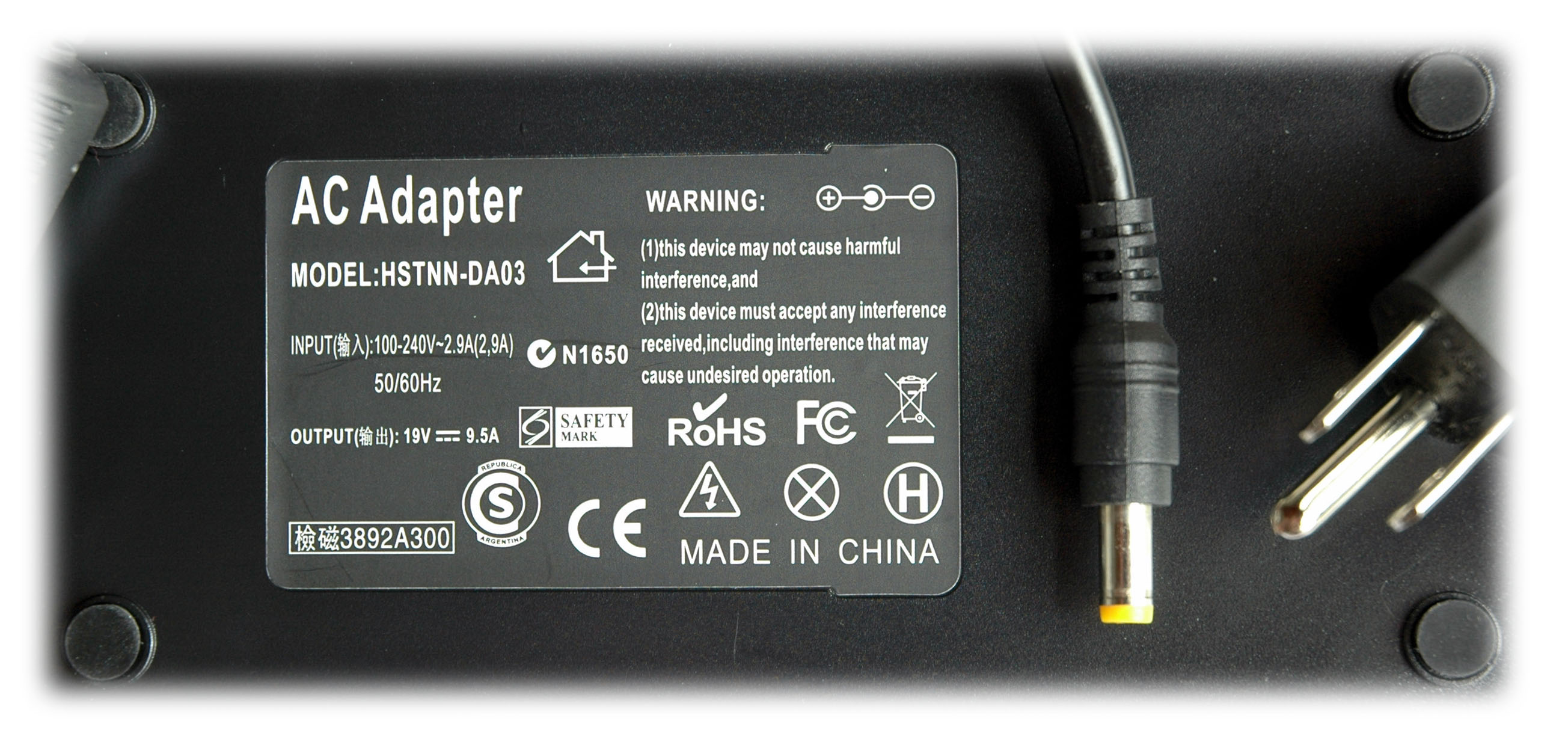
If your intention is to push the system at its maximum then the PSU 180W is the choice.
Pic. #29: PSU 120W Toshiba PA3717U-1ACA
Pic. #30: PSU 180W
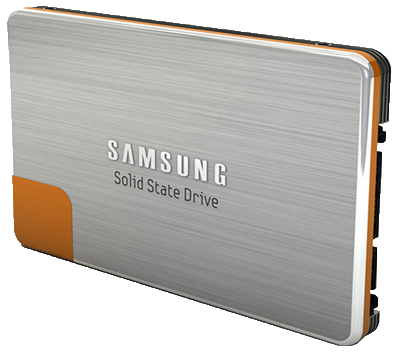
Samsung 470 (64G/59.63G)
Note: The drive performs better under W7 (64-bit) than XP (32-bit).
Pic. #31: SSD Samsung 470 64GBThe speed of the disk Input / Output (I/O) operations was incresed thanks to the new kid in the block namely Samsung’s SSD 470 Series.
The results are impressive compared to the fastest 2.5” HDD for me - Samsung Spinpoint MP4 HM640JJ 640 GB at 7200 RPM and 16 MB Cache.